
Adapter
Explore Starlink Ethernet adapters for Mini, Gen 3, and Gen 2. Add fast, stable wired links to your setup. Use a reliable adapter to enjoy smooth, secure connections.
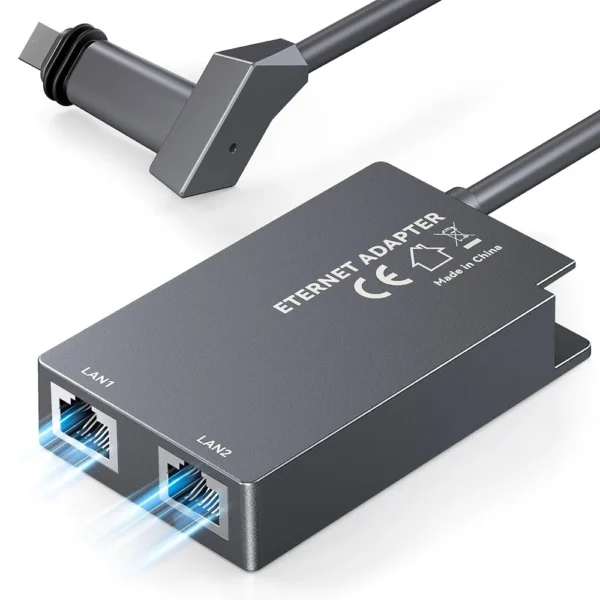
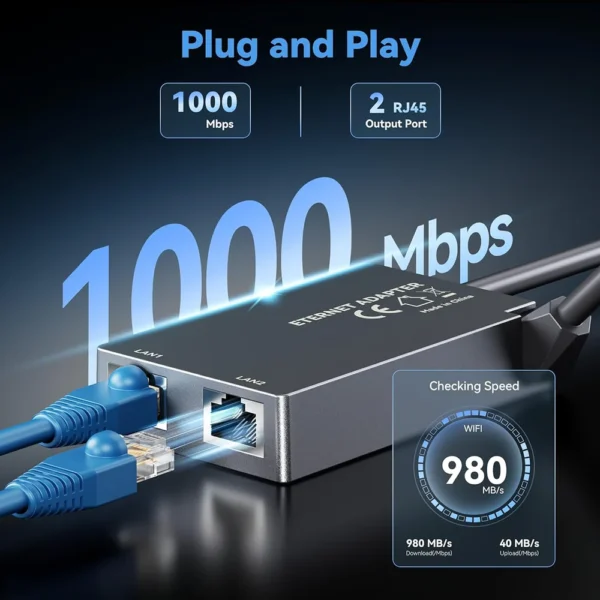
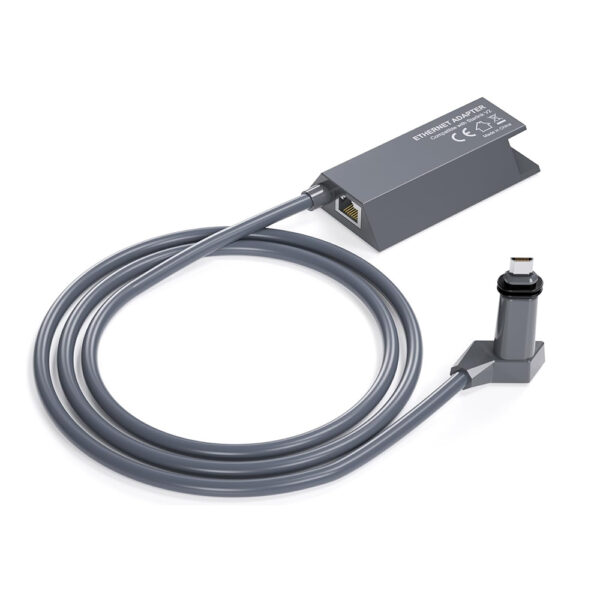
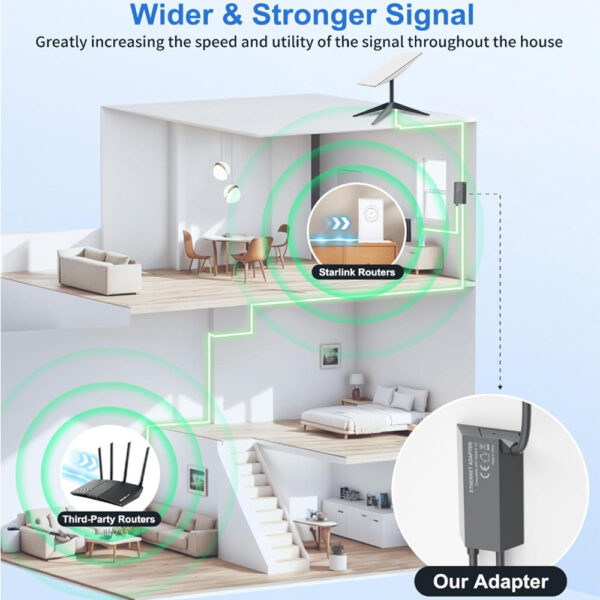


4-Port Ethernet Adapter for Starlink Gen 3 / Mini – Connect Up to 4 Devices
Original price was: $69.99.$59.99Current price is: $59.99.



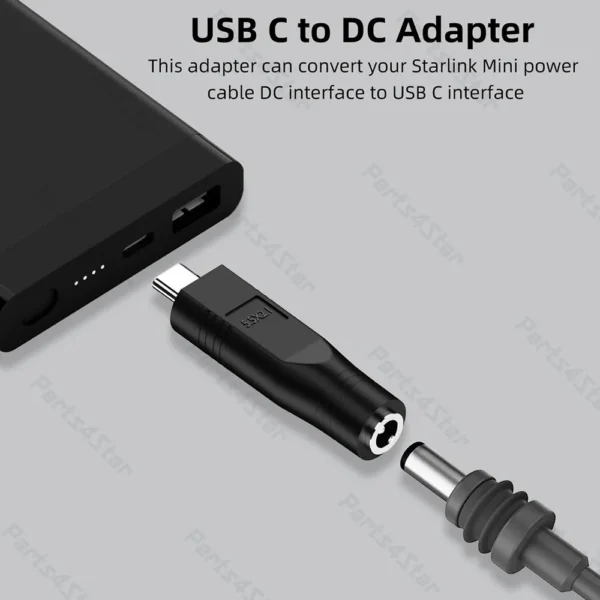
USB-C Male to DC Female Power Cable Adapter for Starlink Mini
Price range: $9.99 through $12.99

SPX to RJ45 Ethernet Adapter Coupler for Starlink Gen 2
Original price was: $53.99.$49.99Current price is: $49.99.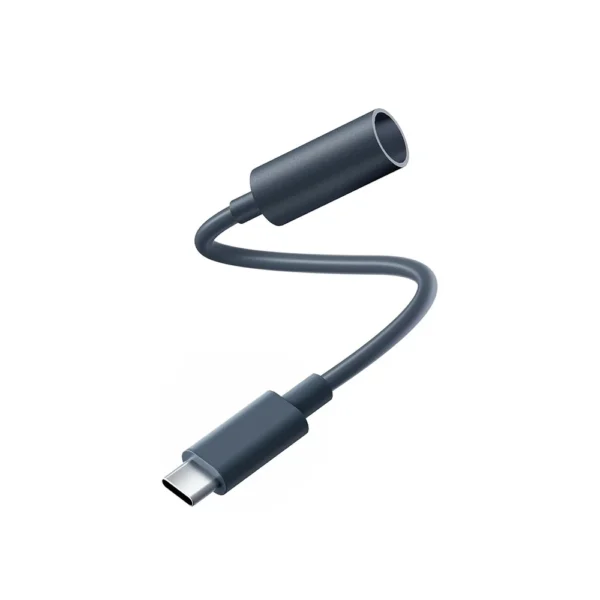

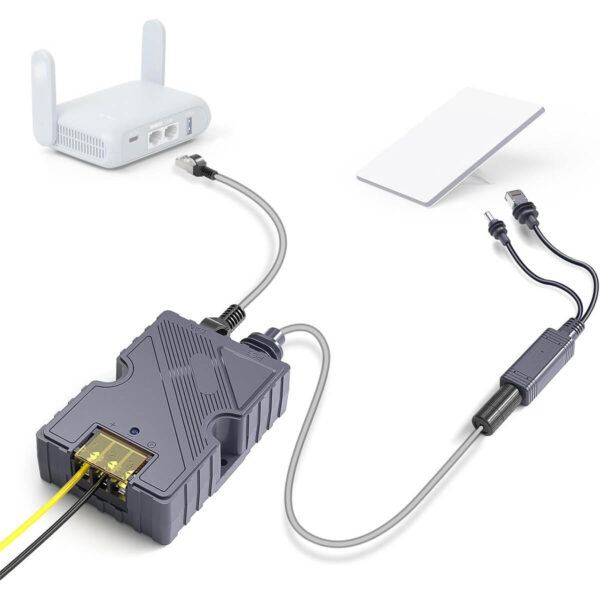
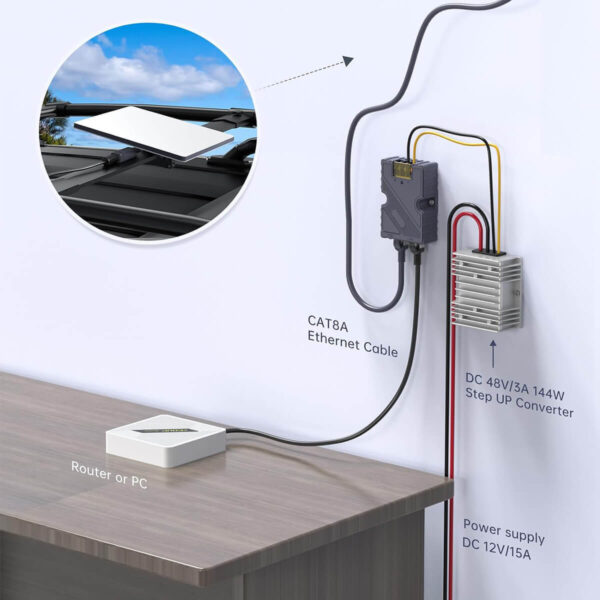
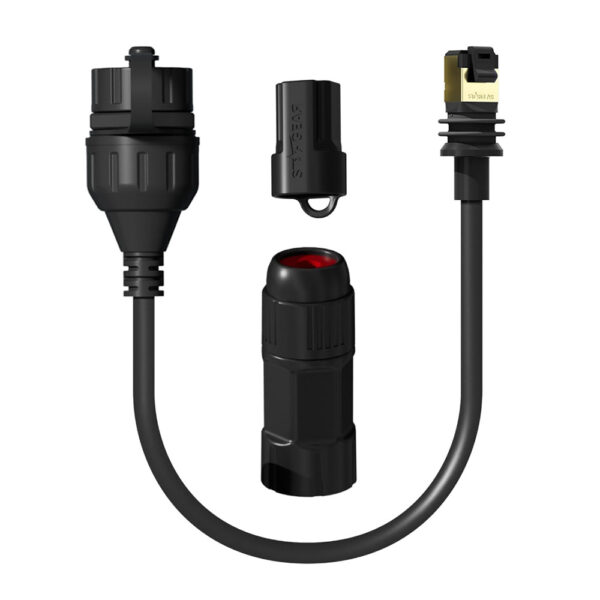
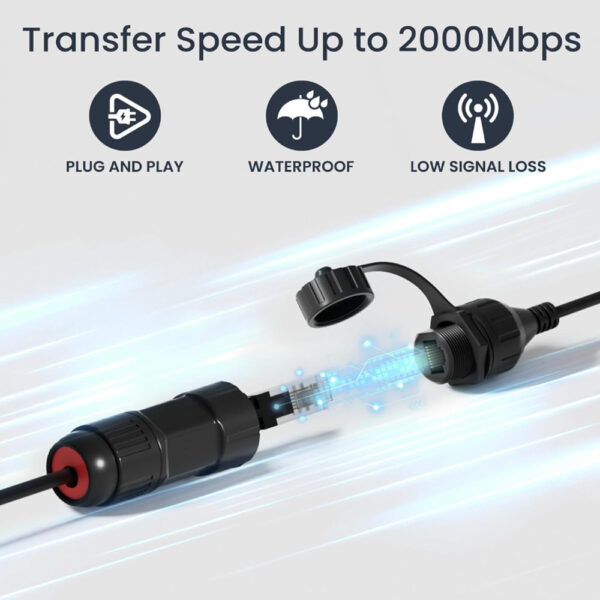
STARGEAR Ethernet RJ45 Adapter Connector for Starlink Gen 3/Mini
Price range: $29.99 through $54.99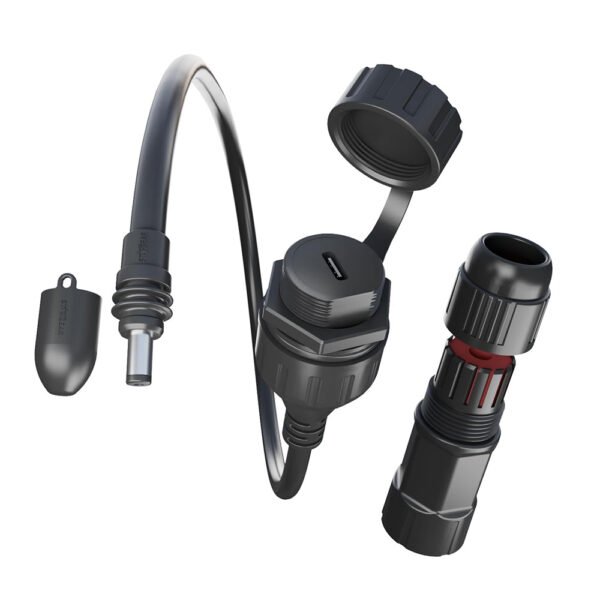
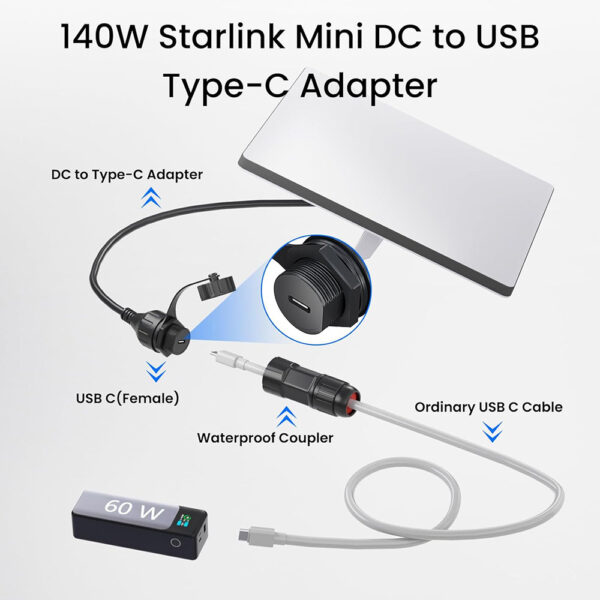
Waterproof USB-C Adapter for Starlink Mini – Fits All USB-C Cables
Original price was: $26.99.$24.99Current price is: $24.99.


Starlink Adapter Ethernet
Need stable wired internet for your Starlink setup? We offer a selection of Starlink adapter ethernet solutions that connect directly to your router or mesh system via RJ45—no signal drop, no buffering, just fast and stable data. Perfect for remote work, gaming, or high-speed streaming in any environment.
Starlink Pipe Adapter
Mount your dish like a pro. Our Starlink pipe adapter from Parts4Star securely fits Starlink to standard masts and extension poles, ideal for roof or high-point installations. Rust-resistant and easy to install.
Starlink Pole Mount Adapter
Elevate your signal! The Starlink pole mount adapter by Parts4Star helps you mount your dish higher for better line-of-sight and stronger reception. Compatible with most outdoor poles—built for wind and weather.
USB-C to Starlink Adapter
Power Starlink from modern USB-C power banks or PD chargers with this exclusive USB-C to Starlink adapter by Parts4Star. A must-have for field workers, RVers, and solar users who need lightweight, mobile power options.
Surge Protector for Starlink
We offer trusted surge protectors for Starlink, built to guard against lightning and voltage spikes. Ideal for cabins, RVs, and off-grid use—protect your connection before the storm hits.
Starlink Adapter – FAQ
Q1: Does Starlink come with an Ethernet adapter?
Q2: Does the Starlink Ethernet adapter disable WiFi?
Q3: How does the Starlink Ethernet adapter work?
Q4: How to connect the Starlink Ethernet adapter?
- Power off your Starlink router before connecting. This ensures a safe and stable setup.
- Plug the Ethernet adapter into the correct port of your Starlink system. For Gen 2, insert the adapter inline between the router and the dish cable, using the Starlink-specific round connector. For Gen 3 and Starlink Mini, plug it into the RJ45 (Ethernet) port on the router.
- Connect your Ethernet cable. Plug one end into the adapter and the other into your wired device (such as a computer, TV, or gaming console).
- Power on and test the connection. Once everything is connected, your wired device should automatically detect the Starlink internet signal.